
Sky Sports on WhatsApp: How to follow our channel for the latest news, features and highlights
Follow Sky Sports on WhatsApp for the latest news, features, videos, live blogs and much more. Get the group link and find out about notifications to get sports news straight to your phone
Monday 16 February 2026 08:06, UK
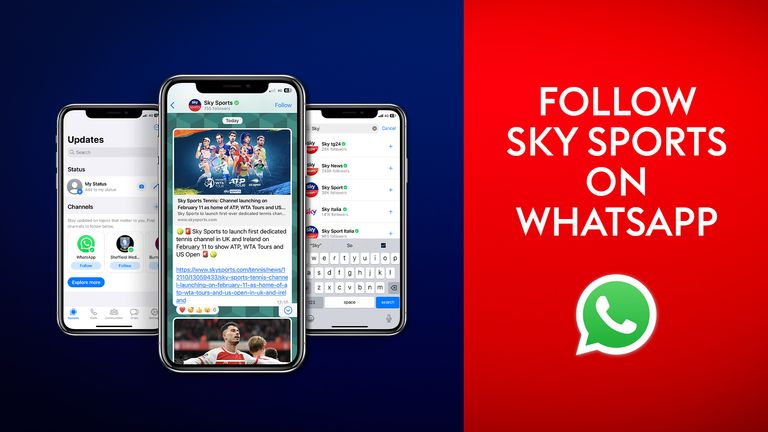
Sky Sports is available to follow on WhatsApp channels.
You can receive messages and alerts for the best viral video, latest breaking sports news, analysis, in-depth features and videos from our dedicated channel.
How do I get Sky Sports on WhatsApp?
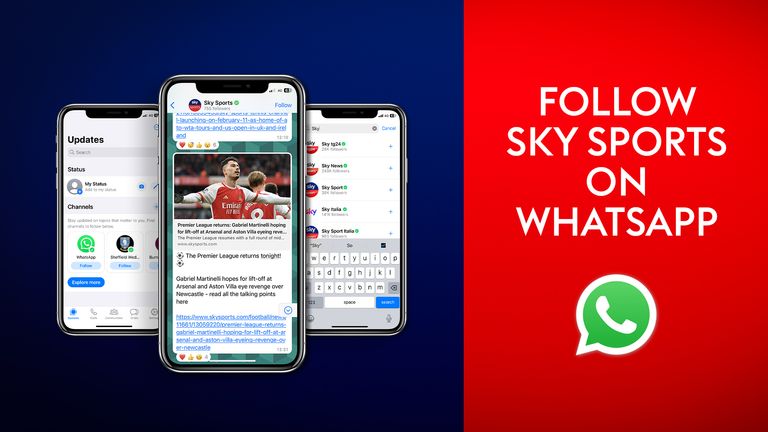
For mobile users - to get Sky Sports on WhatsApp just tap here.
For desktop users - to get Sky Sports on WhatsApp just click here.
Alternatively, you can follow these steps:
- Once you've updated to the latest version of the app on your device open WhatsApp as usual.
- Firstly, tap on the Updates option at the bottom left of your screen.
- Next, scroll down the screen to "Channels" and then tap the + icon to start adding ones you wish to follow.
- From there, a menu will pop up on screen to give you the option to tap on "find channels".
- From here, you will be taken to a new screen, where you can either type "Sky Sports" in the search bar at the top or scroll through the list of options before you find it.
- Once you find it, tap the + icon again to open up the channel's feed and then tap "Follow" in the top-right corner of the screen.

What content can I expect?
- Viral video and major event highlights
- Q&As
- Live blogs
- Latest news
- Interactive polls so you can have your say!
- Brilliant features and exclusive interviews
- Reporter analysis

What sports will be covered?
- We'll keep you right up to date with the latest from the world of football including Premier League, SPFL, EFL and WSL, plus F1, golf, tennis, cricket, boxing and much more!

Will my phone number be private?
Yes, don't worry.
While you can get involved with polls and leave emojis, unlike personal chats, you can't respond to messages sent in WhatsApp channels.
Following a channel won't reveal your number to other followers.
You can find out more at WhatApp's privacy policy.
How do I receive Sky Sports' WhatsApp notifications?
- Once you start following the channel, you can choose whether or not you want to be alerted every time a new message is sent, by turning notifications on or off.
- To turn notifications on, tap on the bell icon at the top right of the channel page and make sure there is no line through it.
- To find out more information about our channel, tap on the icon next to the notifications bell, where you can also choose to mute all updates, share or forward the link to following or choose to unfollow or report it should you wish.

Sky Sports push notifications

As well as WhatsApp, you can also sign up to receive push notifications from the Sky Sports app on the sports news you want.
For more information on how and what you can receive across a range of breaking news, live coverage and sports of your choice, read here.
How to get Sky Sports and what's on
Head here for our latest Sky offers or find out how to stream top-class sport without a contract with NOW TV.